It's a trap project
neil lindberg and cameron leblanc

Firewalls and dangerous files
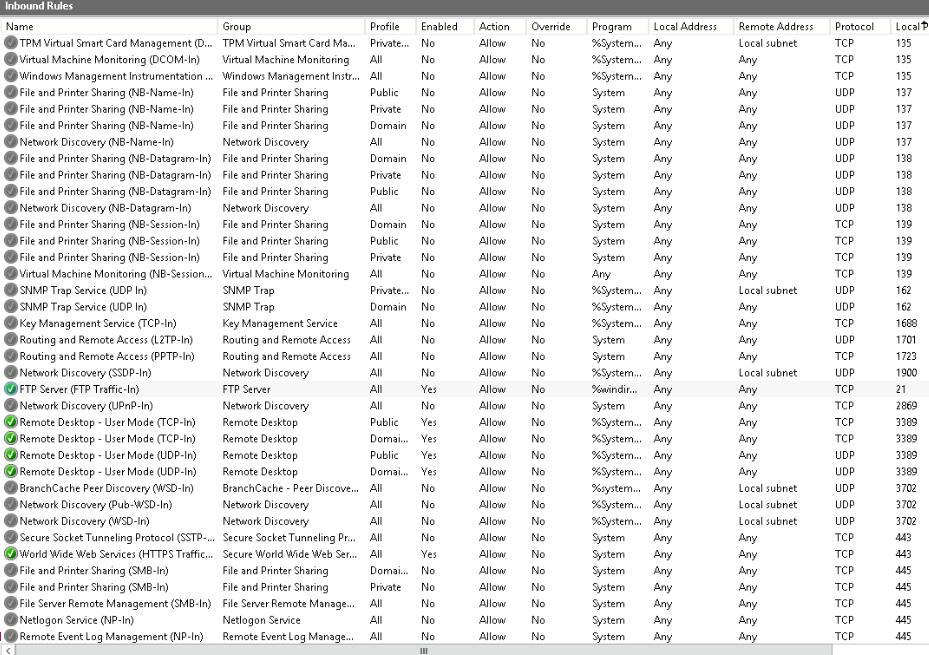
Firewall Rules: How will you disable Windows file sharing? Are there other services/ports you need to disable?
Go into the Firewall and disable the FTP server. We will also disable the HTTP input
-
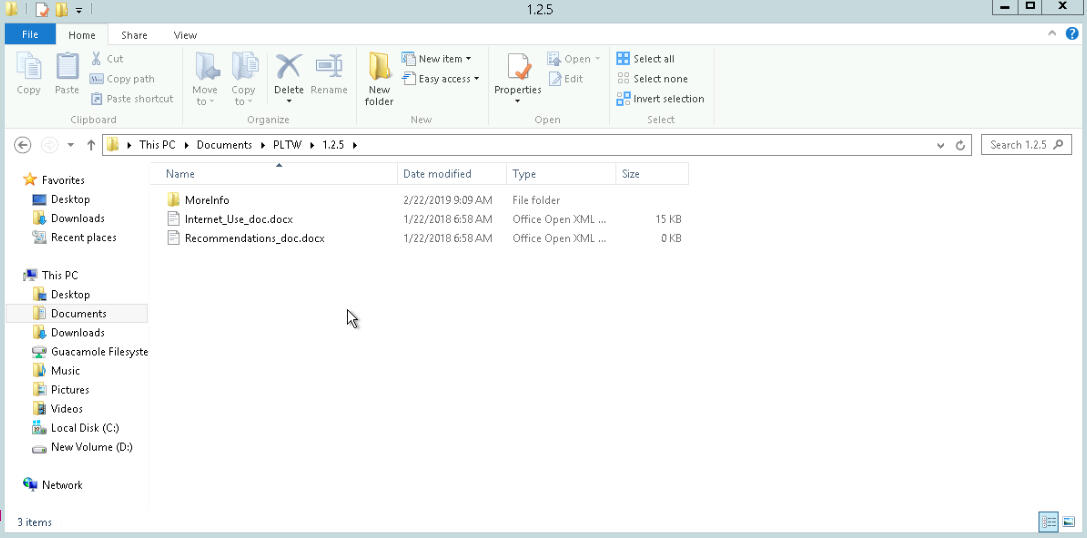
Suspicious files: How can you identify suspicious files?
Look for unrecognized files with misleading or strange file names; check for hidden files.
-
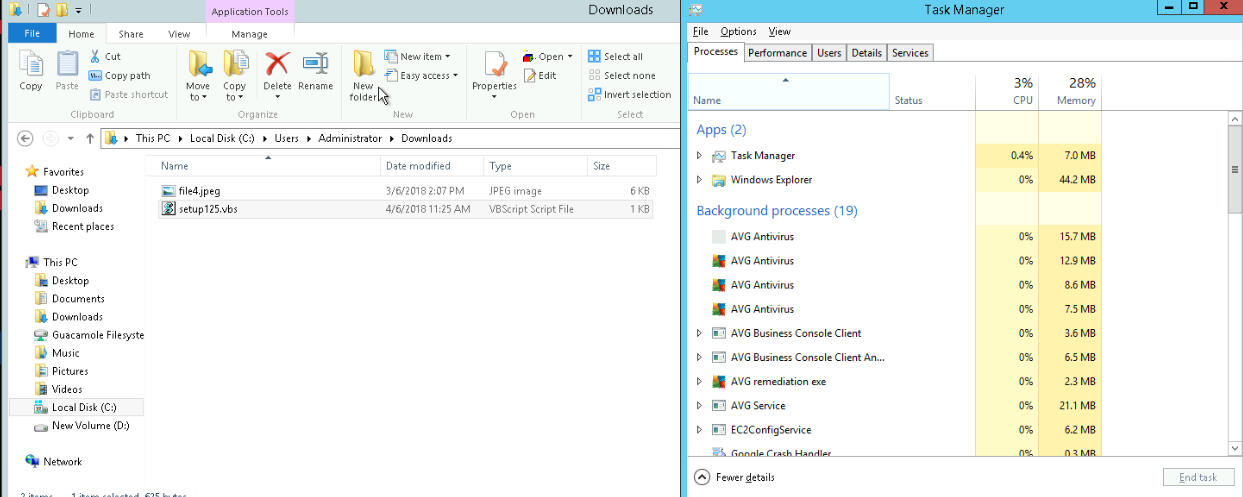
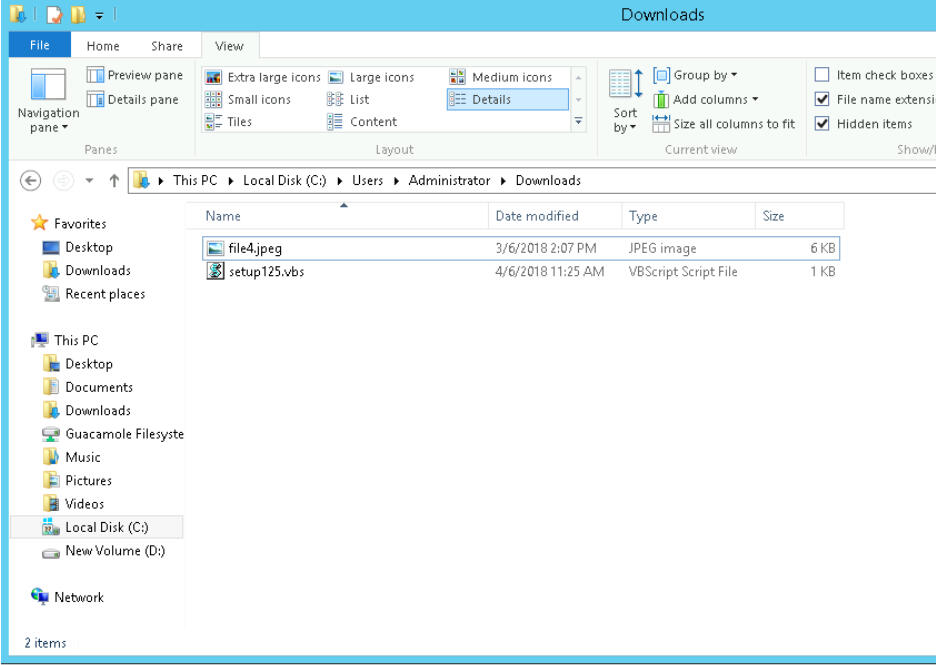
Downloaded files: How will you know where to look for files downloaded from the internet?
Check the downloads folder
-
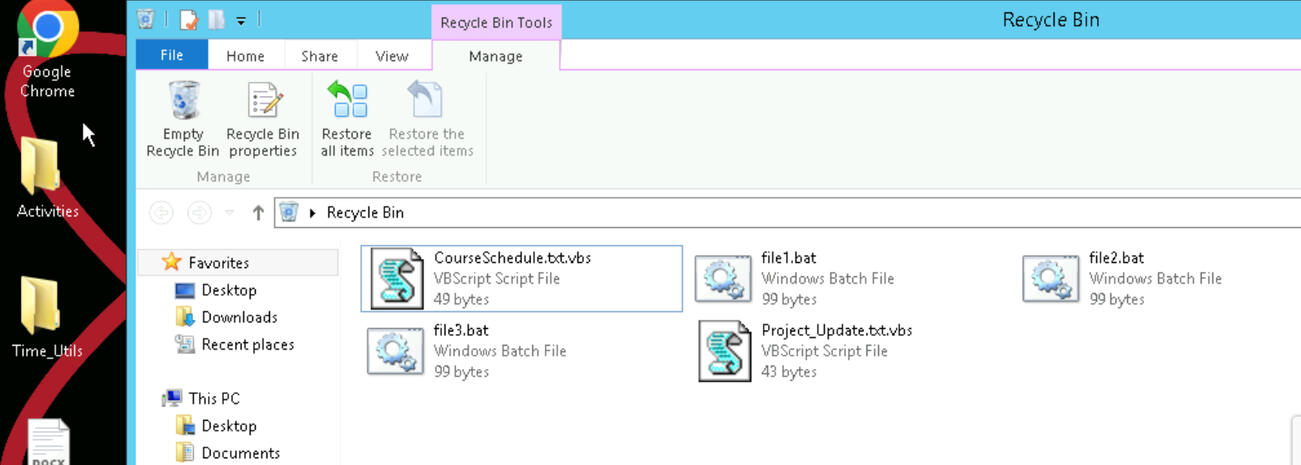
Lost/deleted user files: Where will you find your friend’s “deleted” files?
Recycle bin
-
Suspicious processes: How will you determine suspicious processes and what will you do with them?
Go to Task Manager and look at parent and child IDs.
Firewalls and dangerous files
Do you know the ports and services for Windows file sharing?
137, 138, 139, and 145.
-
What can you do to the services running on those ports?
You can disable them.
-
Recall how to deny services for Windows file sharing.
Disable them through the firewall; File sharing services are NetBIOS and SMB.
Steps to remove restore
computer into its normal state:
Turn off all the inbound ports relating to FTP.
Delete double-extension files.
Delete the batch files.
Recover the files.
Terminate the "unknown.exe" process and delete the file.